Marca: XGODY
XGODY S1200 IPX8-Waterproof Sport Stereo Earbuds 8G Memory
Descripción
Waterproof Wireless Headset with 8GB Memory for Sport Earbuds Newest S1200 waterproof headphones with 8G Memory is for daily use and gyms.
Noise Cancellation
Internal Storage 8GB SPECIFICATIONS
1x micro USB Charging Cable
1x User Manual
6x Eartips(S/L/M)
6x Waterproof Eartips(S/L/M) PAIRING: 1. Press and hold the button for 5 seconds to put the earbuds into pairing mode. You will hear the voice prompt “Pairing” and the LED light on the remote will flash Blue/Red.
2..Enable your Bluetooth devices such as cell phone, tablet, or other Bluetooth media and make sure it is the searching model.
3..Select “S1200” in the list shown on the Bluetooth device.
(Note: Press the “-” and “+” button at the same time, the device will be entered in card mode)
Comfortable wearing experience. You can wear it for hours without feeling any pain.
Waterproof IPX8, we did a test by putting it into 3M deep water for an hour. Luckily, XGODY S1200 Bluetooth Waterproof headphones still worked well when we take them from the water.
We know that when you swim, you may go far from your phone, which means if you connect the earbuds with your phone will cause disconnection. With an 8G memory, you can listen to music freely without connecting with your phone.
MAIN FEATURES
Bluetooth 4.2Noise Cancellation
Internal Storage 8GB SPECIFICATIONS
- Bluetooth Version: 4.2
- CVC 6.0 Noise Cancellation
- Audio Frequency Response: 20Hz - 20kHz
- Maximum Playback Time: 7 Hrs. (Varies with connection type and volume)
- Standby Time: 200 Hrs.
- Charging Time: 1-2 Hrs.
- Talk Time: 7-8 Hrs.
- Wireless Distance: 33 Ft.
- Waterproof Rating: IPX8 (high strength for swimming)
- Internal Memory Card: 8GB SSD (Flash)
- Supported Media Formats using Memory Card: APE, WMA, MP3, FLAC & WMV
1x micro USB Charging Cable
1x User Manual
6x Eartips(S/L/M)
6x Waterproof Eartips(S/L/M) PAIRING: 1. Press and hold the button for 5 seconds to put the earbuds into pairing mode. You will hear the voice prompt “Pairing” and the LED light on the remote will flash Blue/Red.
2..Enable your Bluetooth devices such as cell phone, tablet, or other Bluetooth media and make sure it is the searching model.
3..Select “S1200” in the list shown on the Bluetooth device.
(Note: Press the “-” and “+” button at the same time, the device will be entered in card mode)
También te puede gustar
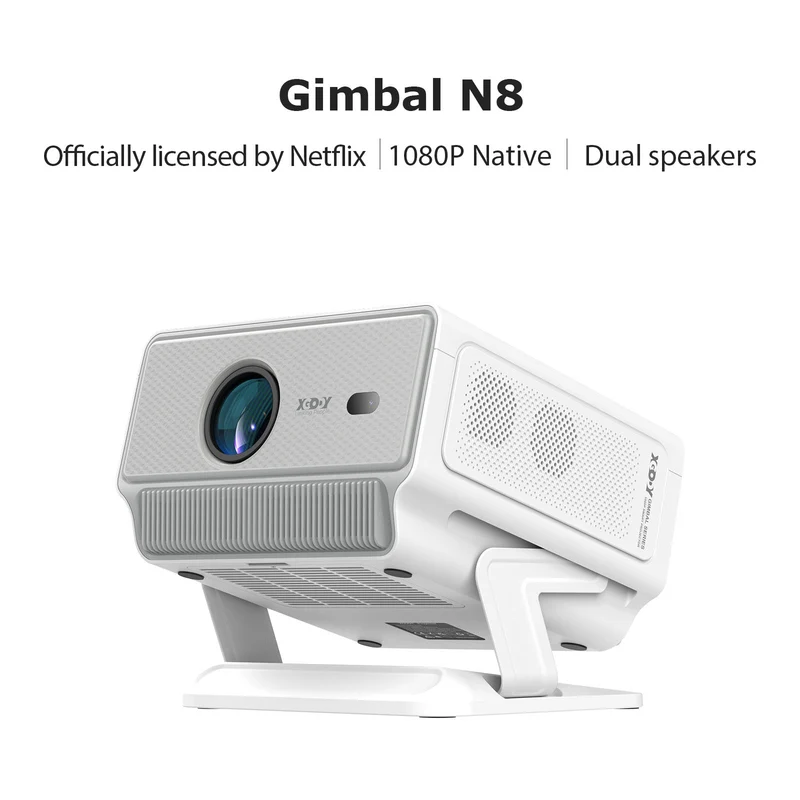 OfertaGimbal N8 Portable Projector With Native 1080P 16GB 2*10W Dual SpeakersXGODY
243,77 €137,64 €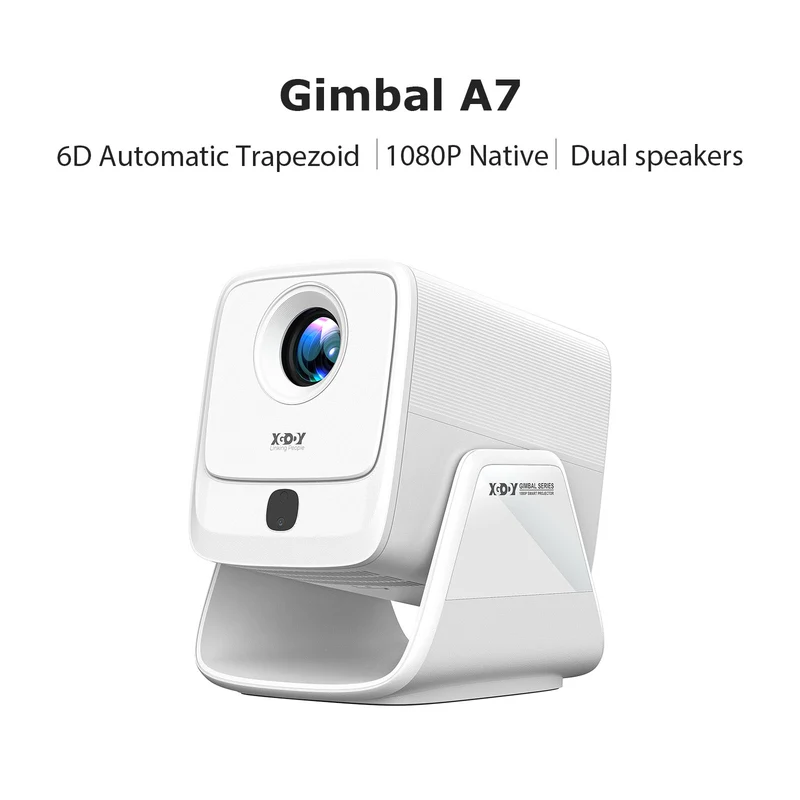 OfertaGimbal A7 Portable Projector Android 14 With Native 1080P 8K Decoding 16GB 90° RotationXGODY
168,90 €116,04 €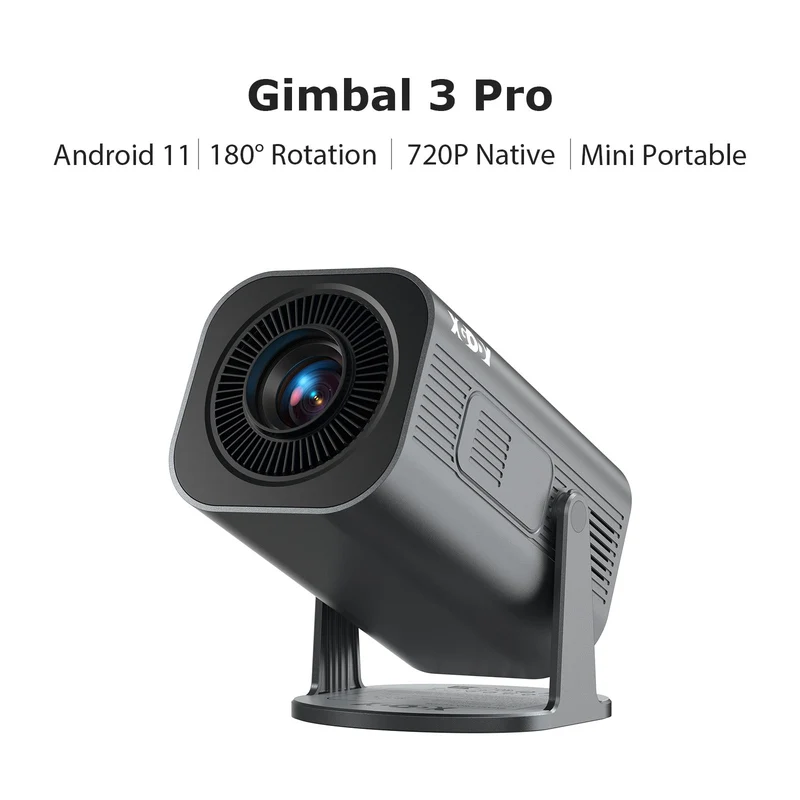 OfertaGimbal 3 Pro Portable Projector With Native 720P WiFi 6 & Bluetooth 5.4 8GB 180° RotationXGODY
74,87 €49,61 €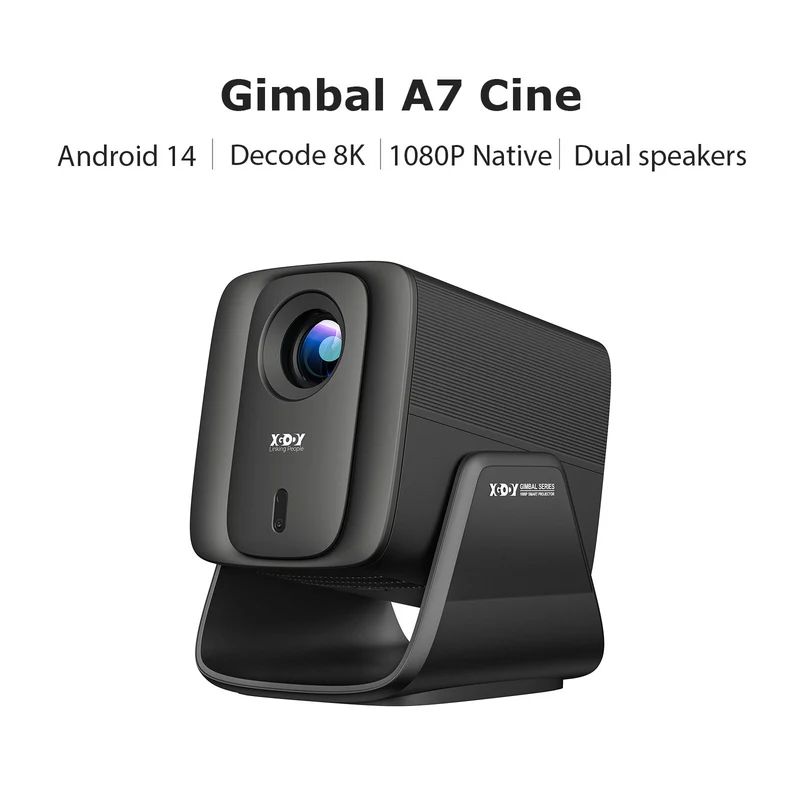 OfertaGimbal A7 Cine Portable Projector Android 14 With Native 1080P WiFi 6 Bluetooth 5.4 Dolby AudioXGODY
269,89 €187,49 €